


Verification King WordPress Plugin
🛡️ Verification King – Easily Add Verification, Tracking Codes & WhatsApp to Your Website
Download
Verification King by Lybu.in is a powerful and lightweight WordPress plugin that helps you easily manage verification codes, tracking scripts, JSON-LD Schema, Google Ads.txt, and a floating WhatsApp chat button — all from one simple dashboard.
Whether you're an SEO expert, digital marketer, or business owner, Verification King makes it easy to connect your website with all major analytics, advertising, and verification tools — without editing your theme files.
🚀 Why Use Verification King?
Verification King is built for speed, simplicity, and SEO accuracy.
With a clean user interface and automatic placement, all your verification and tracking codes are added after the <meta name="robots"> tag, ensuring maximum compatibility and proper indexation across platforms.
🔑 Key Features
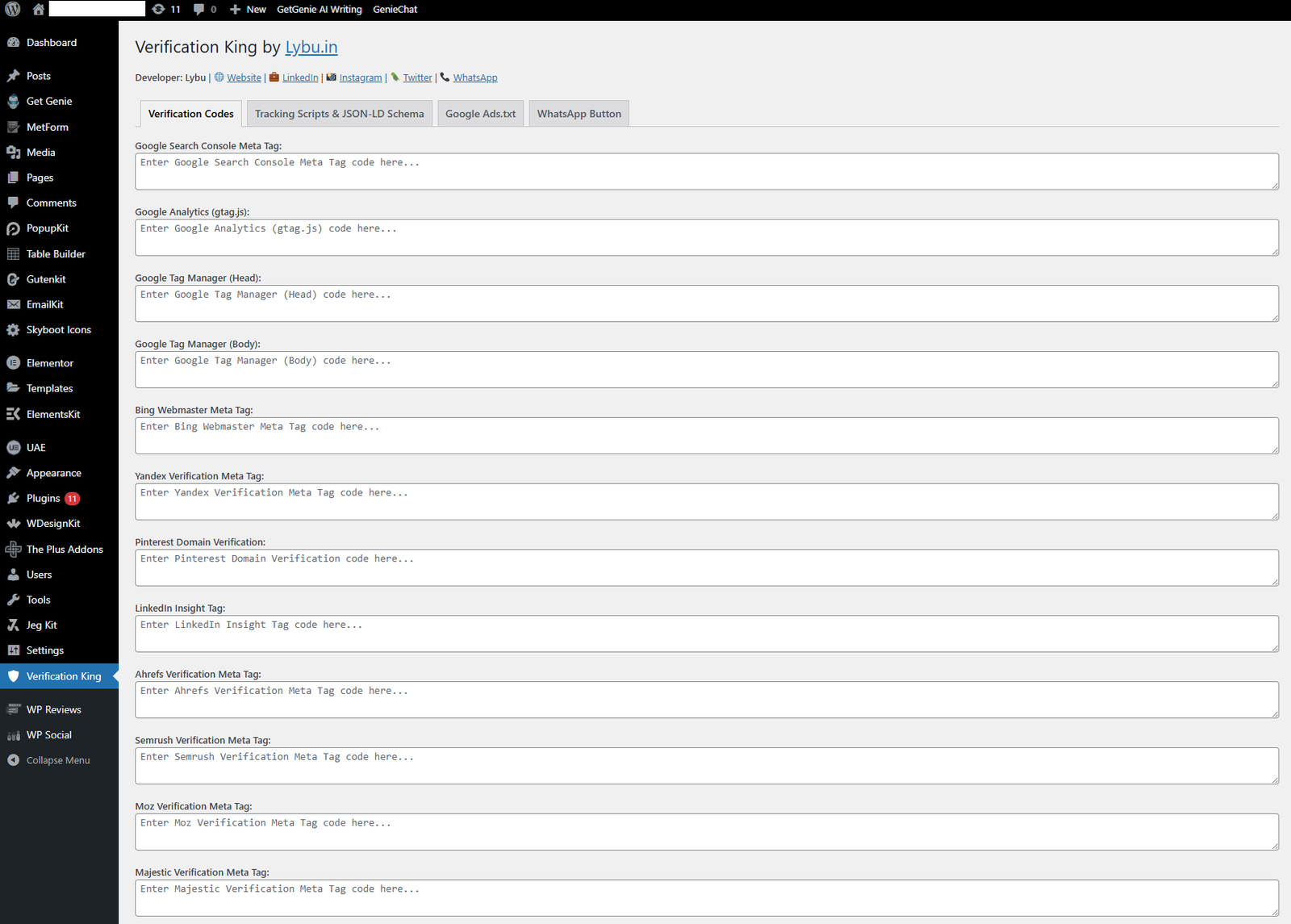
✅ Add Meta Verification Tags for:
-
Google Search Console
-
Bing Webmaster
-
Yandex
-
Pinterest
-
LinkedIn
-
Ahrefs
-
Semrush
-
Moz
-
Majestic
-
Ubersuggest
✅ Add Tracking Scripts for:
-
Google Analytics (gtag.js)
-
Google Tag Manager (Head & Body)
-
Facebook Pixel / Meta Pixel
-
Twitter (X) Pixel / Tag
-
Hotjar
-
HubSpot
-
Microsoft Clarity
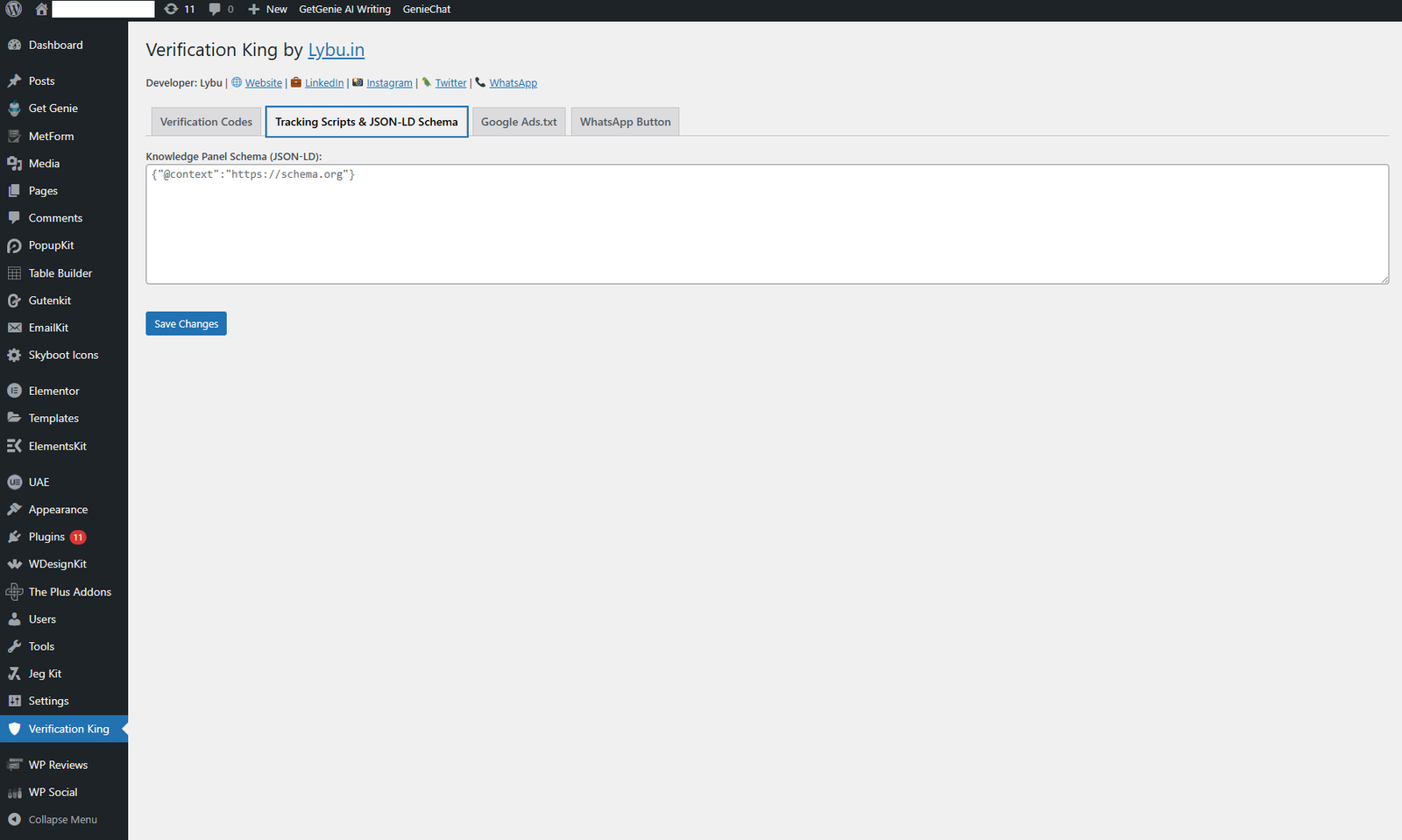
✅ Add JSON-LD Schema
-
Supports custom schema markup for SEO
-
Add business, organization, or product structured data
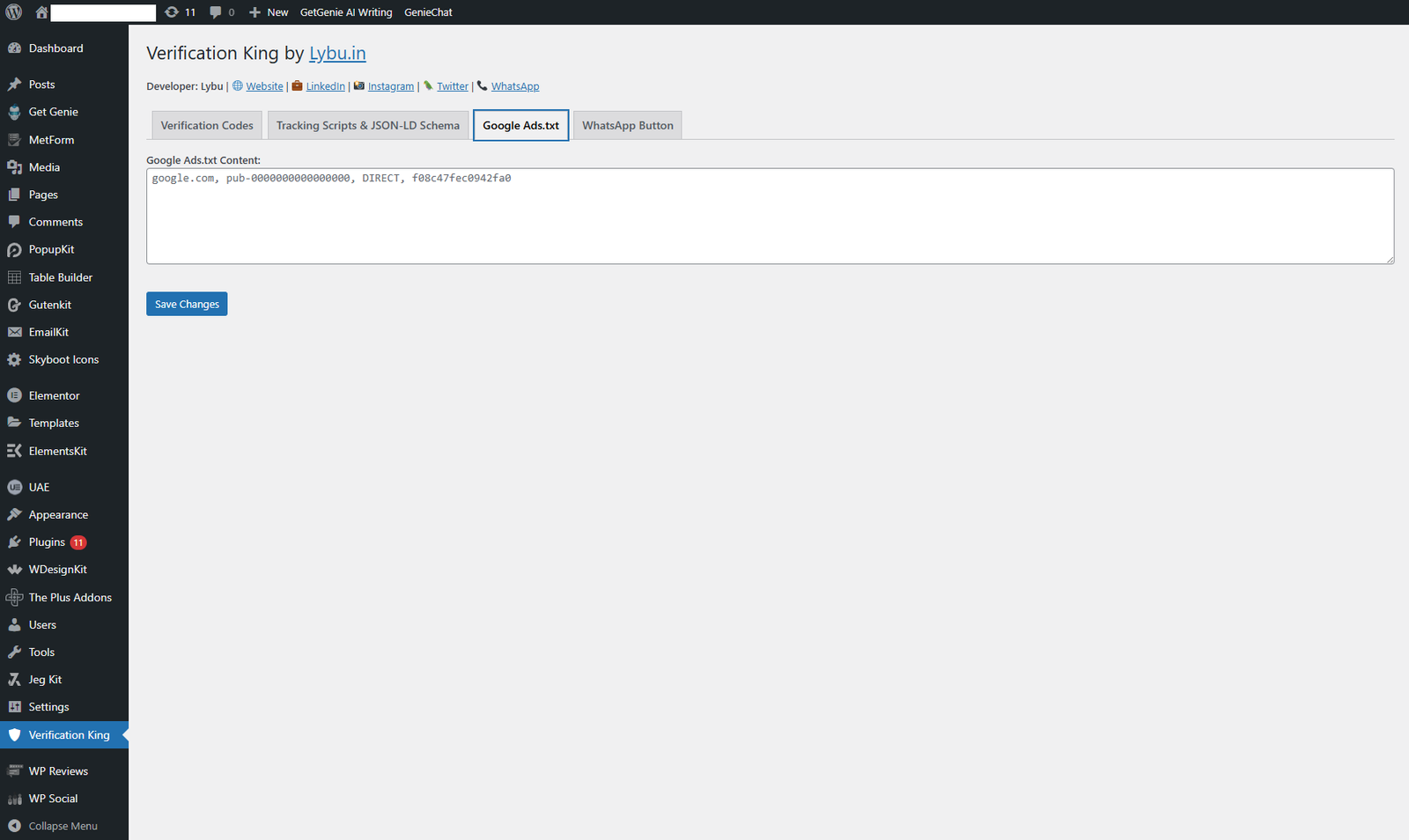
✅ Add Google Ads.txt
-
Manage and update ads.txt directly from the plugin panel
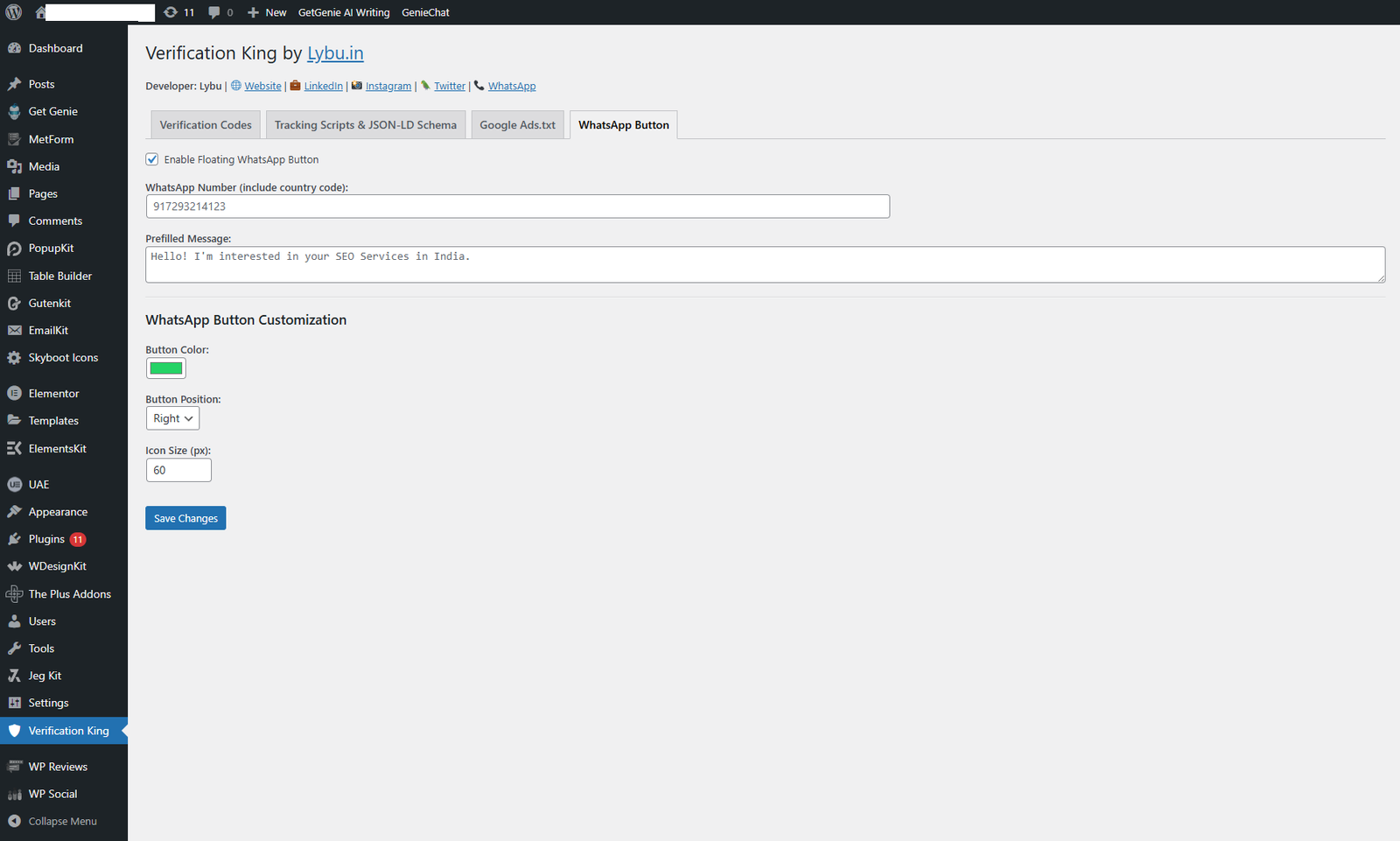
✅ Floating WhatsApp Button
-
Set your WhatsApp number and prefilled message
-
Choose color, position (left or right), and icon size
-
Instant connection with your visitors
✅ User-Friendly Admin Interface
-
All settings in one page
-
“Save Changes” confirmation message
-
Compatible with all WordPress themes
-
No technical knowledge required
⚙️ How It Works
-
Install and Activate the Verification King plugin.
-
Go to Verification King → Settings from your WordPress dashboard.
-
Add your verification codes, tracking scripts, schema, and ads.txt.
-
Enable and customize your WhatsApp chat button.
-
Click Save Changes — and you’ll see a success message.
-
That’s it! All scripts are automatically added to your site’s source code.
💡 Benefits of Verification King
-
No need to edit your
header.phporfooter.phpfiles. -
Prevents code conflicts with other plugins or themes.
-
Keeps your site clean, secure, and optimized.
-
Reduces manual errors in code placement.
-
Saves time for SEO professionals and marketers.
🔧 Technical Highlights
-
Inserts code after
<meta name="robots">for best SEO results -
Supports custom script boxes with optimized height
-
Clean UI with collapsible sections for each service
-
Built-in Ads.txt editor
-
Floating WhatsApp customization (color, size, position)
-
100% compatible with WordPress 6.7+ and PHP 7.4+
📦 Plugin Information
-
Plugin Name: Verification King
-
Version: 1.0
-
Author: Lybu.in
-
License: GPLv2 or later
-
Tags: Verification, Tracking, Google Tag Manager, WhatsApp Button, Schema, Ads.txt
🧩 Screenshots
1️⃣ Verification Codes & Tracking Scripts Dashboard
2️⃣ JSON-LD Schema Editor
3️⃣ Ads.txt Management Box
4️⃣ Floating WhatsApp Button Settings
🆕 Version 1.0 – Changelog
-
Added all major verification code options
-
Added Google Tag Manager (Head & Body)
-
Added JSON-LD Schema integration
-
Added Google Ads.txt management
-
Added customizable WhatsApp button (color, position, icon size)
-
Added save success message
👨💻 Developed By
Verification King is proudly developed and maintained by
Lybu.in
💬 WhatsApp: +91 72932 14123
🌐 Website: https://www.lybu.in